Prompt formula
Specific enough to guide, short enough to follow
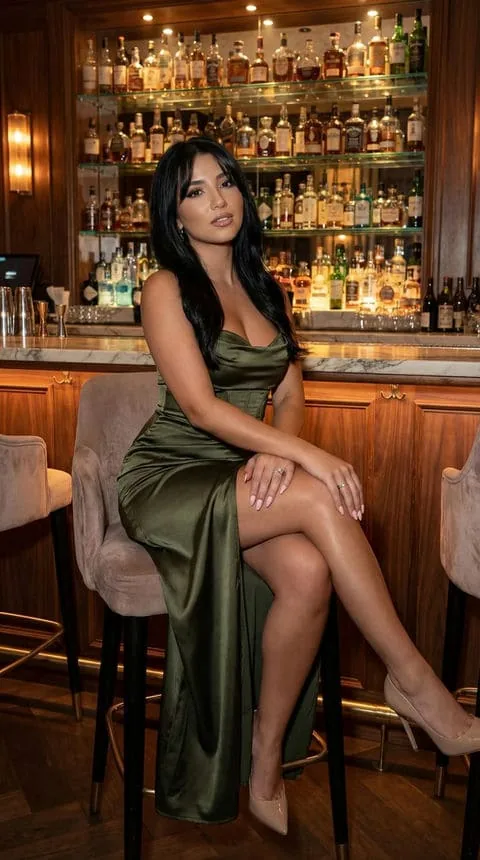
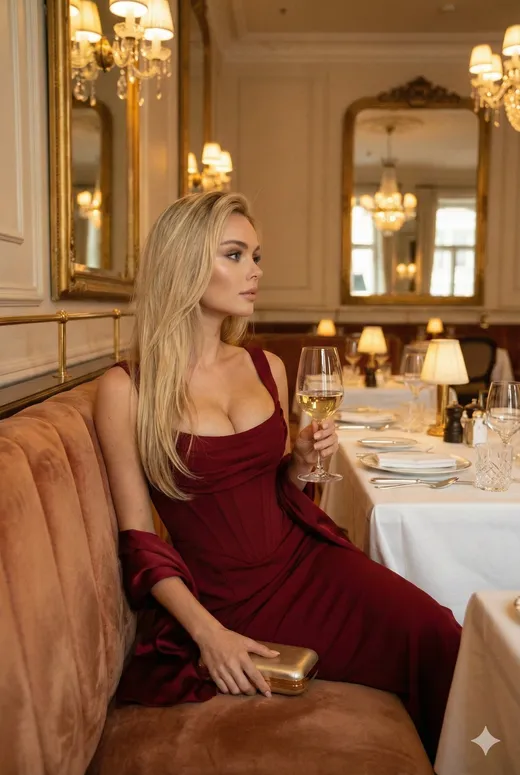
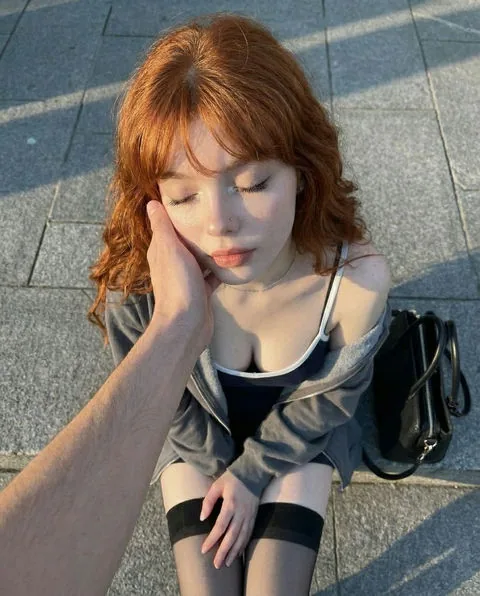
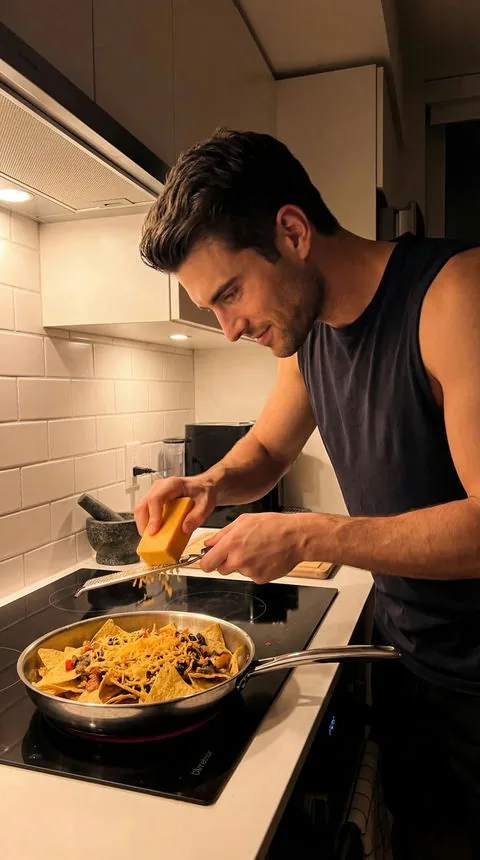
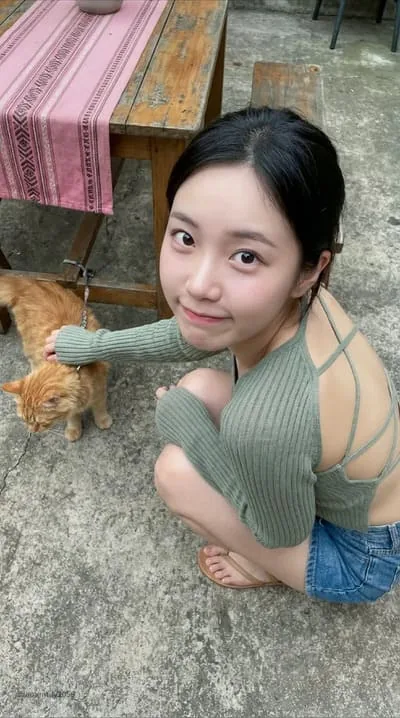
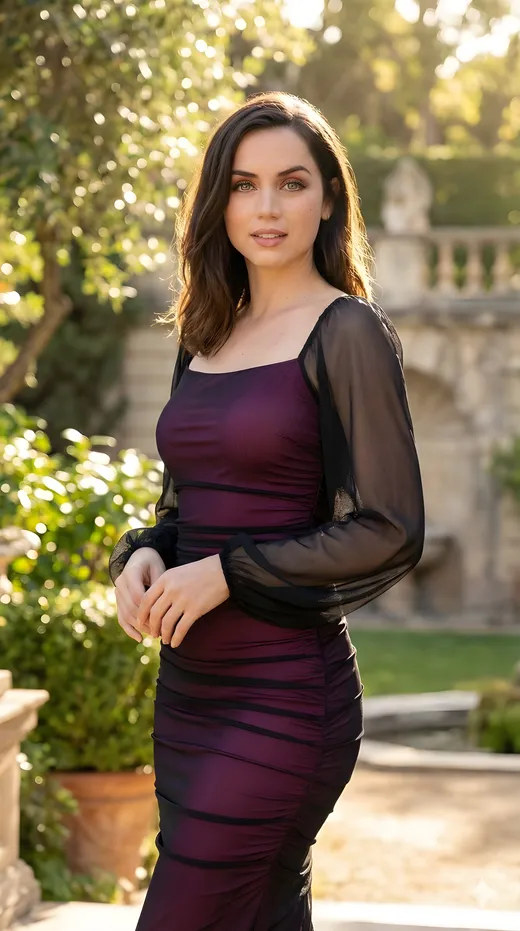
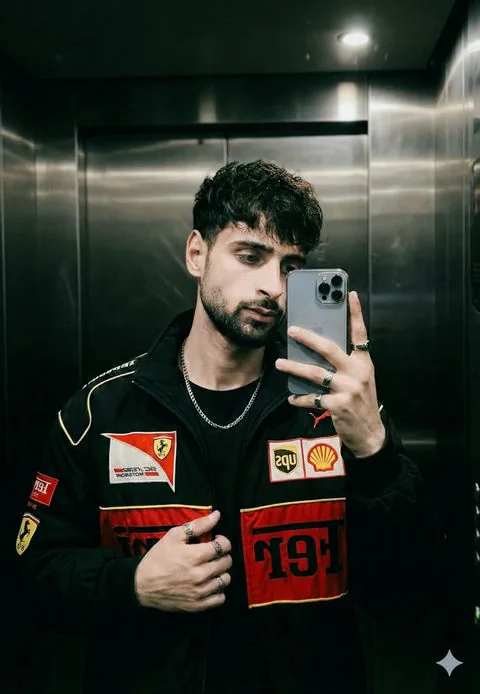
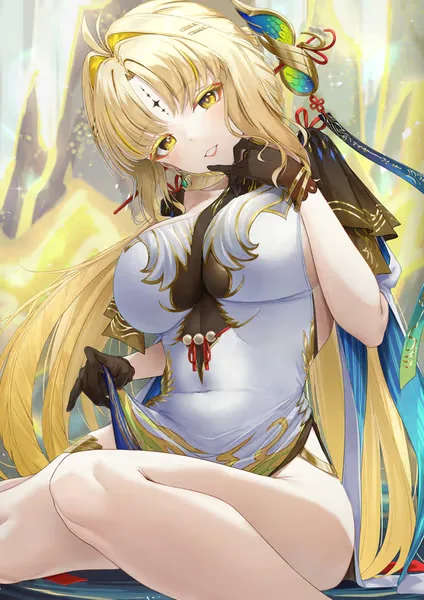
A dependable prompt can be built as: [character] + [wardrobe] + [action] + [location] + [lighting] + [visual style]. Add camera language only when it matters. “Close-up portrait” or “full-body editorial” is more useful than stacking many technical photography terms.
Consistency is not guaranteed. Image generators can change small facial details, hands, clothing or backgrounds between results. Keep essential attributes unchanged and regenerate a simpler version when the output becomes cluttered.
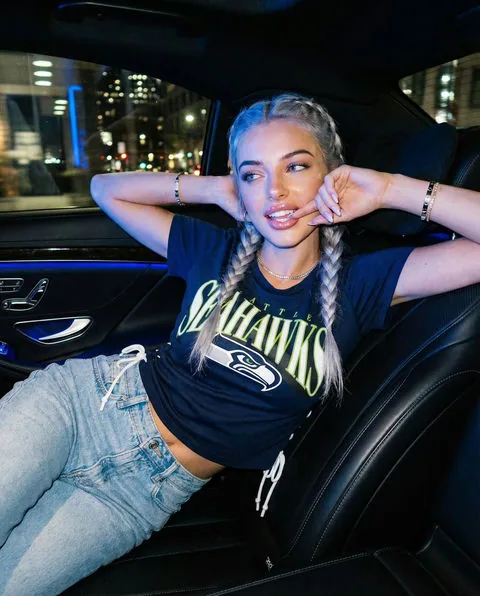
- Realistic: natural window light, candid expression, 50mm portrait
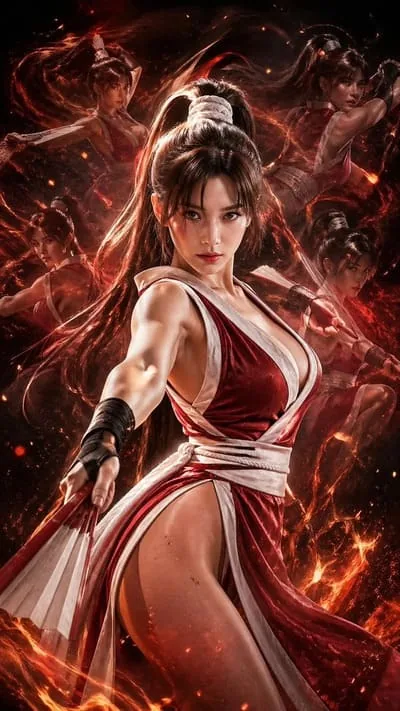
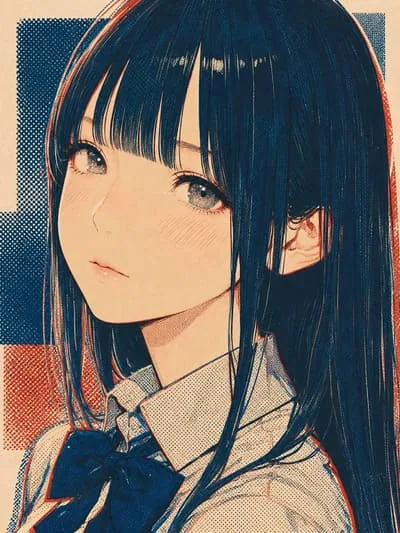
- Anime: clean cel shading, expressive eyes, detailed background
- Fantasy: named location, costume materials and a single magical effect
- Travel: specific Australian location, time of day and activity
- Series: repeat the same character details in every prompt
Quality and safety
Generate thoughtfully
Creative control comes with responsibility. Keep the subject fictional, adult and consensual, and review every output before saving or sharing it.
Protect real people
Do not use generated media to impersonate, harass or create sexualised images of a real person without consent.
Check the details
Look for malformed hands, inconsistent accessories, unintended text and background errors. Regenerate or crop rather than presenting a flawed image as real.
Label synthetic media
When context could mislead viewers, say that the character or scene is AI-generated. Do not use fictional imagery as false evidence.
Questions
AI image generator FAQ
How many images can Candy AI generate at once?
Candy AI’s current official guide says users can choose a quantity between 1 and 16 images for a generation request. Features and limits may change, so confirm the current interface and plan before purchase.
Can Candy AI generate realistic and anime images?
Yes. Candy AI presents separate realistic and anime image directions tied to existing or custom fictional characters.
Why does my character look different between images?
Every image is generated from probabilistic instructions, so small details can drift. Reuse the same core description, simplify the scene and generate smaller batches when consistency matters.
Can I use generated images commercially?
Usage rights depend on the current terms, your plan and the content in the image. Review Candy AI’s terms and obtain independent legal advice for important commercial use.
Give your character a new scene
Start with one clear idea, generate a small set and refine the details that matter most.
Try Candy AI image generation
Updated 27 July 2026. Affiliate disclosure: CandyAI.com.au is an independent guide and may earn a commission when you follow a partner link. This does not change the price you pay. *Generation quantities and premium features can change; verify the current product screen.